
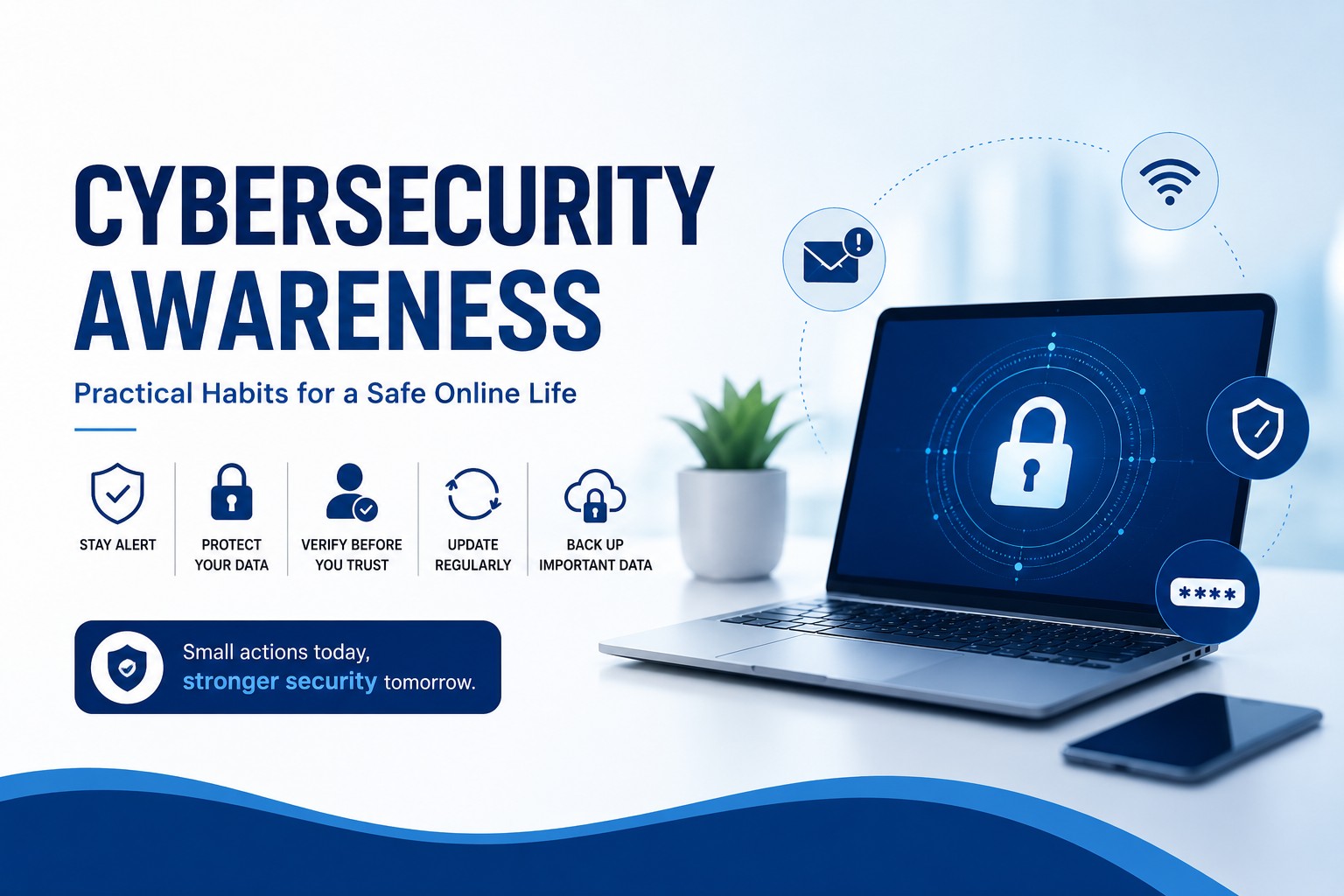
In today’s increasingly connected workplace, cybersecurity is no longer only the responsibility of the IT department. Every employee who uses a computer, mobile phone, email account, or online platform plays a role in keeping company information and personal data safe.
Cyber threats can sometimes appear harmless like a familiar-looking email, a payment request, an unexpected attachment, or a message asking you to “verify” your account. Knowing what to look for and how to respond can make a significant difference.
This article highlights some common cyber threats and simple habits that can help you stay safer online.
Understanding Common Cyber Threats
1. Phishing and Social Engineering
Phishing involves tricking people into revealing sensitive information or clicking on malicious links. These attempts often create a sense of urgency or fear to make the recipient act without thinking. Some warning signs include:
- An urgent or threatening message.
- Requests to “verify now.”
- An unfamiliar or mismatched sender.
- Strange or suspicious-looking URLs.
- Unexpected requests for login or payment information.
- Fake login pages and fraudulent delivery or payment messages.
The simple rule is to pause before you click. If a message makes you feel pressured to act immediately, take a moment to verify it first.
2. Malware
Malware includes threats such as viruses, ransomware, and spyware. It can enter a device through malicious attachments, infected links, or unsafe downloads. This is why downloading software, opening attachments, or clicking links from unknown sources should always be approached with caution. Depending on the type of malware, it can:
- Lock important files.
- Steal data.
- Damage devices.
3. Password Attacks
Passwords remain an important part of online security, but weak or reused passwords can make accounts vulnerable. Using the same password across multiple platforms also creates additional risk because one compromised password may affect several accounts.
A good practice is to use long, unique passwords for different accounts. A password manager can also help users manage multiple strong passwords.
4. Scams and Fraud
Not every cyber scam requires sophisticated technology. Some rely simply on impersonation and manipulation. Common examples include fake technical support messages claiming that your device has a virus and asking you to install software. Gift card scams and impersonation scams are also common examples.
When someone unexpectedly asks for money, login details, payment information, or access to your device, verify the request through a trusted channel before taking action.
The Cyber Safety Checklist
Staying safe online does not have to be complicated. A few everyday habits can significantly reduce your exposure to common threats.
1. Think before you click. Don’t allow urgency or curiosity to override caution.
2. Check the sender and the link. Look carefully at who sent the message and where a link actually leads.
3. Avoid unknown attachments. If you weren’t expecting an attachment, verify it before opening it.
4. Use strong, unique passwords. Avoid using weak or repeated passwords across different accounts.
5. Turn on Multi-Factor Authentication (MFA/2FA). MFA provides an additional layer of protection beyond your password.
6. Keep your software updated. Regular updates are an important part of maintaining safer devices.
7. Be careful when using Wi-Fi. Secure Wi-Fi is preferable, particularly when accessing sensitive accounts. The training material recommends WPA2/WPA3 networks and avoiding open hotspots for sensitive logins.
8. Back up important information. Having backups can reduce the impact of incidents such as ransomware.
Safe Browsing Starts With Simple Choices
The websites and software we use every day can also affect our security. Employees should download software only from official sources, keep browser security settings enabled, and avoid disabling antivirus or firewall protections.
Extra caution is also necessary when dealing with “free” downloads, unfamiliar browser extensions, and cracked software, which can expose devices to unnecessary risks.
What Should You Do If You Suspect an Attack?
Even with good security habits, mistakes can happen. The important thing is knowing what to do next. Reporting an incident quickly can help prevent further damage and allow the appropriate people to respond. If you suspect that you have fallen victim to a cyberattack:
- Stop interacting with the suspicious message or link.
- Disconnect the device from the internet if you suspect malware.
- Change your passwords, starting with your email account.
- Report the incident to IT, an administrator, or the relevant organisation.
- Contact your bank or payment provider immediately if money has been sent.
- Preserve evidence, including screenshots, emails, and suspicious URLs.
Cybersecurity is not simply about complicated technology. Often, it comes down to everyday decisions like checking a sender before clicking, using a strong password, questioning an unusual request, keeping software updated, and speaking up when something doesn’t look right.
Building these habits into our daily routines helps create a safer digital environment for everyone.
Cybersecurity awareness is an important part of maintaining a responsible and secure workplace. By staying informed, remaining alert, and taking cybersecurity seriously, we can all play our part in protecting our information, devices, colleagues, and the organisation. Remember to think before you click on a click. Stay alert and stay secure.